What Is Focus Not Obscured (WCAG 2.4.12 and 2.4.13)?
Summary
Focus indicators must always remain visible and cannot be completely hidden by overlays or other interface elements.
Overview
The purpose of this Success Criterion is that focus styling must never be completely covered by other elements.
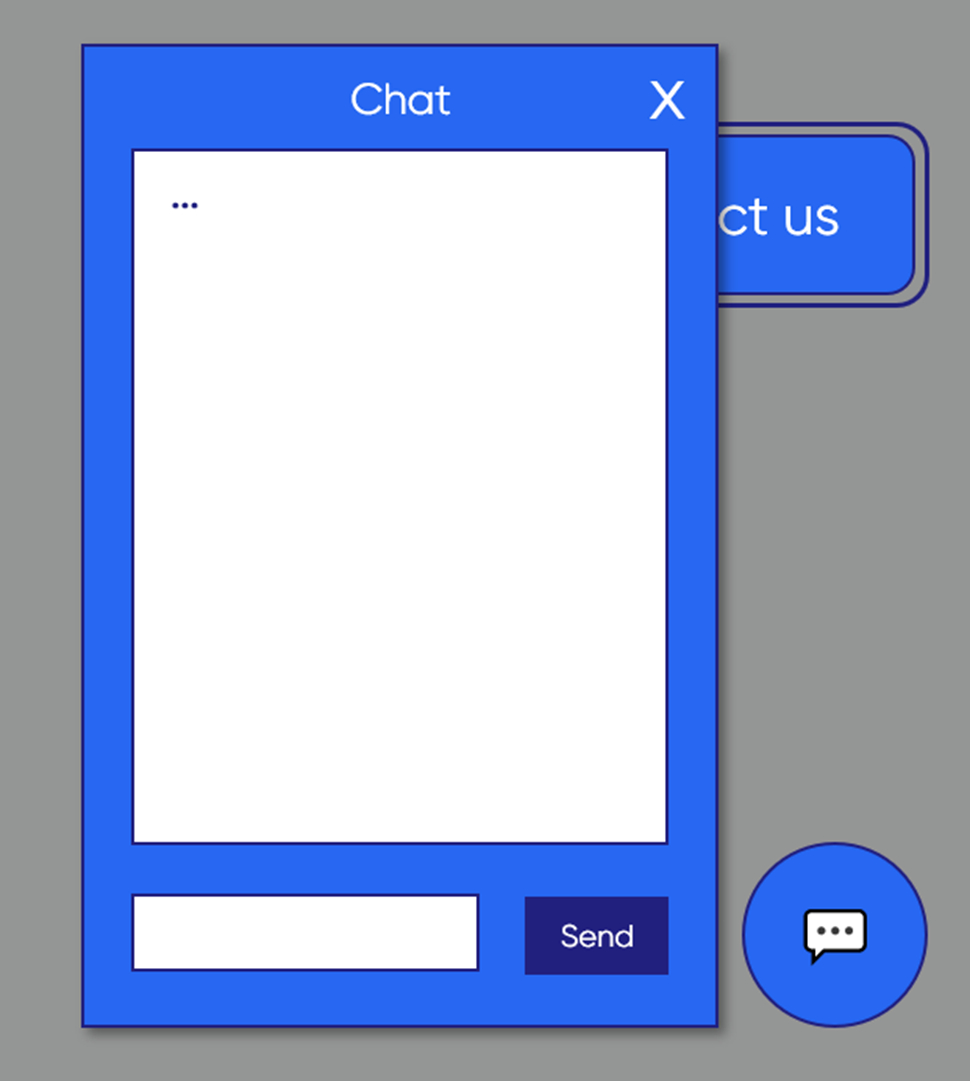
Imagine, a keyboard user browsing the footer of a website, when suddenly a chat widget pops up and covers a part of the footer, including the focus indicator that is left under the chat widget. In this case, the user will likely struggle to figure out where their focus indicator went. These are a couple of examples. Other ways to pass might exist, but the core of the success criterion is to make sure that no interactive element ends up being completely covered by another floating element.
How to Meet This Criterion
For following this criterion, there are a couple of things you can do.
For instance:
You could make sure that overlays, dialogs, dropdowns, or tooltips, that can stay open, will not cover things that the user can tab to. You also must consider if it can happen on other screen sizes, like on a smartphone.
You could also pass by making sure that it is not possible at all to Tab outside of the Chat Widget, until the user closes it. This is called “focus trapping” – when the focus cannot leave the Chat Widget until you close it.
2.4.13 Focus not Obscured (Enhanced) (AAA)
This criterion is similar to 2.4.12, with the difference that this enhanced criterion requires that no part of what is being focused on can be obscured.
Additional Information
Did you find it helpful? Yes No
Send feedback