What are Page Tags?
Summary
Page tags let you categorize and filter pages in Siteimprove to better target issues, track content, and organize reporting.
Overview
Page tags give you the possibility to target specific issues, aspects and/or attributes on pages within the Siteimprove platform. The page tag can then be used to gain more context for pages within the following tables:
- Quality Assurance > Inventory > Pages
- Quality Assurance > Readability > Pages
- Policy > My Policies > Select a content policy and view the associated pages
You can filter the tables above by one or multiple page tags.
It's also possible to create/edit/remove tags directly from the Quality Assurance pages table.
When creating or editing a content policy, you can add tags that will then be added automatically to any existing or future page that matches the policy.
Page tags not only allow your organization to quickly focus on the pages you'd like to prioritize but also allow you to integrate Siteimprove data with other tools you are using.
For example, when you export the page list, the page tags will also be exported.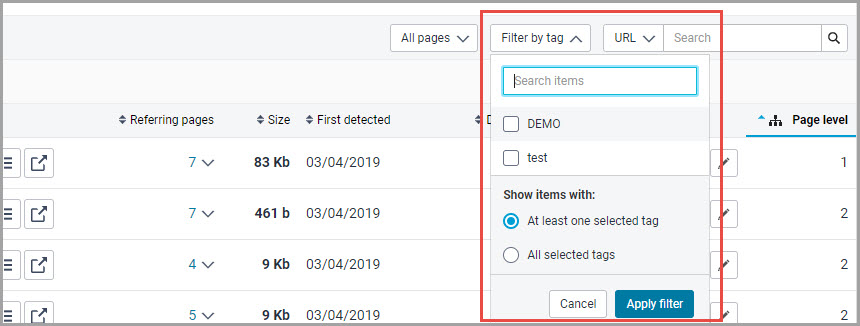
Did you find it helpful? Yes No
Send feedback