How do I run policies on a subset of pages using tags?
Summary
You can run policies on specific groups of pages by creating rules that target pages with a specific tag.
Overview
Running policies on a subset of pages using tags allows you to precisely target and evaluate specific groups of pages by applying rules tied to existing page tags. This approach helps you focus your analysis, enforce policies more efficiently, and tailor results to relevant content segments without impacting your entire site.
Steps
- Go to Policy > My Policies.
- Click Create Policy.
- Select the Content policy category.
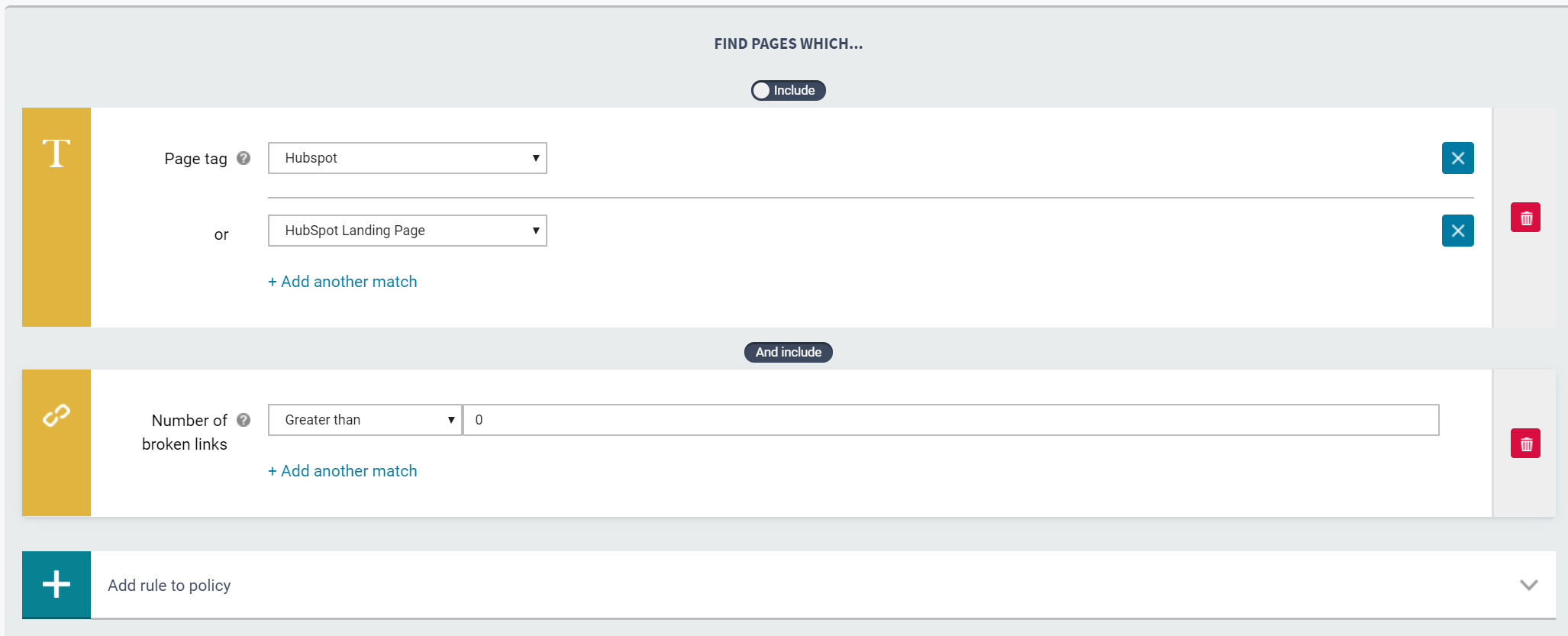
- Select the Page tag rule type.
- Select the relevant page tag.
- Complete the policy settings.
- Click Create policy.
Did you find it helpful? Yes No
Send feedbackSorry we couldn't be helpful. Help us improve this article with your feedback.