Manage Ads in Siteimprove Ads
Summary
Use the All Ads area in Data Explorer to activate or pause an individual ad.
Steps
- Go to Ads > Data Explorer > All Ads.
- Select the View details icon next to the relevant ad.
- Change the status of the ad by activating or pausing it.
- Apply the change.
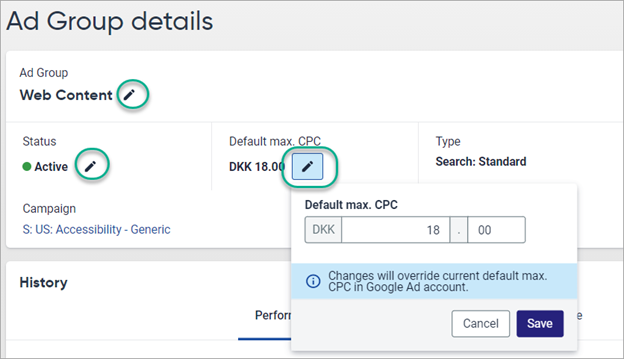
The source article only identifies activation and pausing as available ad-level changes.
Related Articles
Did you find it helpful? Yes No
Send feedbackSorry we couldn't be helpful. Help us improve this article with your feedback.