Understand the CMS plugin overlay
Summary
The CMS plugin overlay appears in your CMS after configuration and provides issue counts plus access to Site overview, My History, and This Page details.
Overview
Use this article to understand what information is available from the CMS plugin overlay before opening deeper site- or page-level details. The overlay acts as the starting point for reviewing issue counts and moving between the Site overview, My History, and This Page tabs.
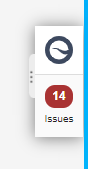
Once the CMS Plugin is configured, an overlay tab appears within your CMS. This tab will display the number of issues when on an editing page in the CMS. The issues number presented is the total number of ‘Errors (not ‘Warnings, Review items, or Potential issues) found under Page Content Issues (Quality Assurance, Policy, and Accessibility) and SEO.
If you click on the icon with three dots on the overlay you can expand the overlay tab.
When this tab is expanded, you are presented with information about the site under the "Site overview tab". The My History tab shows information about the previous checks.
If you are on a content editing page within the CMS, issues, and information specific to the page are also presented under the This Page tab.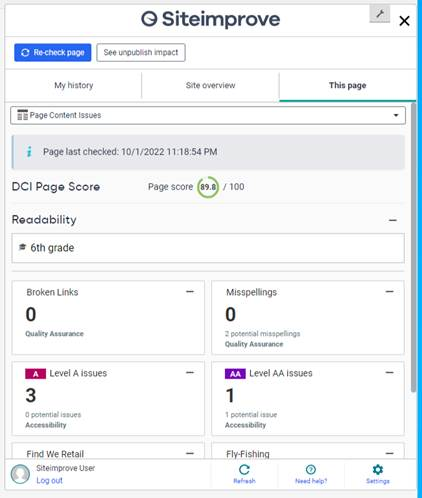
Did you find it helpful? Yes No
Send feedback