Re-check a page in the CMS plugin
Summary
Use Re-check page on a content editing page to re-check or re-crawl the page and return results immediately.
Overview
Use this article to understand when the Re-check page option is available and what happens after a page is re-checked. This helps users understand the relationship between CMS plugin re-checks and Single page checks in the Siteimprove Platform.
Re-check a page
This option is available on a content editing page in your CMS system which gives you the possibility to re-check/re-crawl the page. When pages are re-checked, results will be returned immediately.
Some plugins also are set up to automatically re-check pages and directories when they are published.
Note: When re-check is used, a single page check is performed and the page is added to the "Single page check" area in the platform (Quality Assurance > Summary > Single page check).
These Single page checks will remain in the Single page check area unless they are removed in line with the Clean-up process for Single Page Checks. 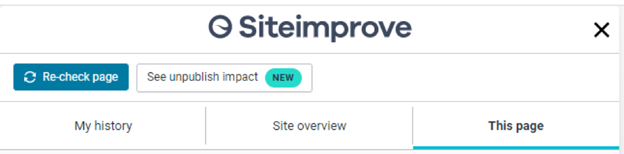
Related articles
Did you find it helpful? Yes No
Send feedback