Use Traffic data providers in the CMS plugin
Summary
Traffic data providers let users view third-party analytics data from Adobe Analytics or Google Analytics in the CMS plugin when integrations are configured.
Overview
Use this article to understand how third-party analytics integrations can provide Traffic data in the CMS plugin. This helps users know when Adobe Analytics or Google Analytics data can appear in Site overview and This Page views.
It is possible to show Traffic data from third-party analytics providers.
So if you are not using Siteimprove Analytics, users can instead see Traffic Analytics data from:
- Adobe Analytics: See "Siteimprove Adobe Analytics integration guide".
- Google Analytics: See "How to enable Google Traffic Analytics data integration".
Page view data and graphs for the last 30 days can be seen in the CMS plugin.
This helps you make informed, data-driven decisions based on a page’s popularity.
Traffic Data under Site Overview
If you have the Analytics traffic data integration setup for the site the Site Overview tab in the CMS plugin shows behavior data that comes from the Traffic data provider. 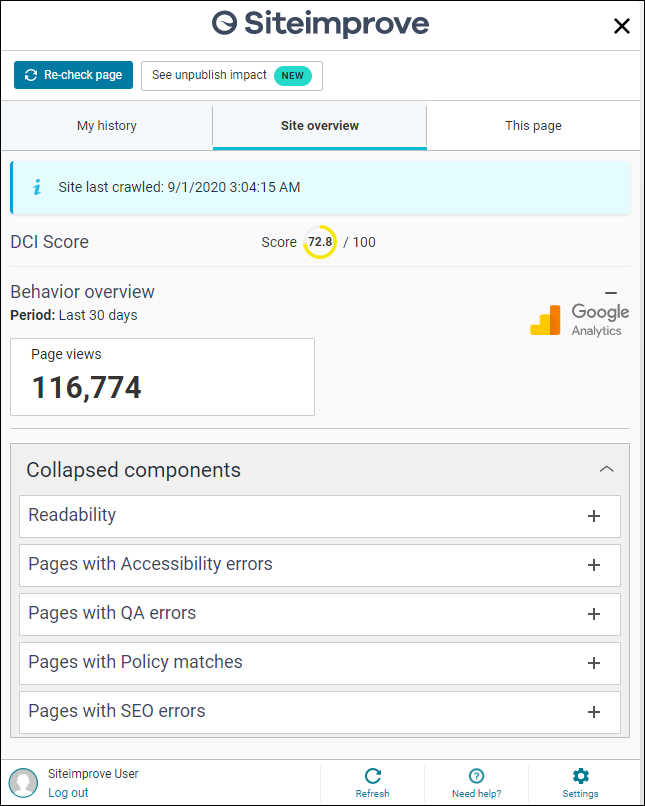
Traffic Data under This Page
If you have the Traffic Analytics data integration setup for the site then you can see traffic analytics data for the page you are viewing in CMS under the This page tab in the plugin under the Page Analytics area. 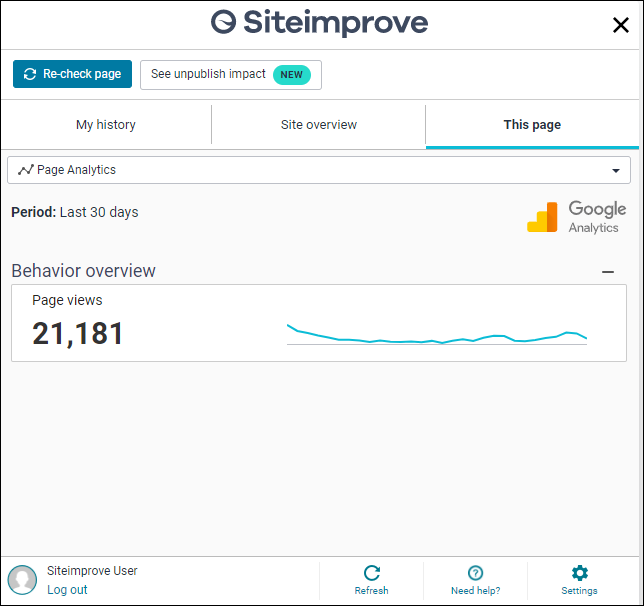
Traffic Data Integrations Configuration
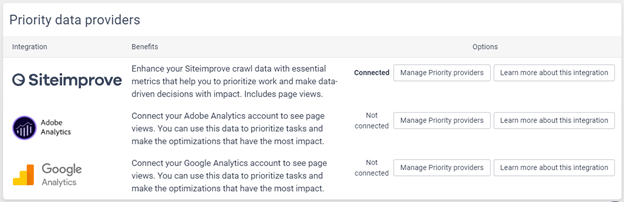
Traffic provider integration can be configured in the Siteimprove platform under Settings > Integrations > Integrations Overview > Traffic data providers or under Settings > Content > Traffic Analytics Data Providers. See more on this in the corresponding integrations guides below:
- Adobe Analytics: See Siteimprove Adobe Analytics integration guide.
- Google Analytics: See How to enable Google Traffic Analytics data integration.
Related articles
Did you find it helpful? Yes No
Send feedback