How do I add a site to my Siteimprove subscription?
Summary
Only Account Owners can add a site to a Siteimprove subscription. To add a site, go to Settings > Sites > Add site, enter or upload site details, select products, and check the site before submitting it for scanning.
Prerequisites
- You must be an Account Owner to add a site.
- You have access to Settings > Sites in Siteimprove
- The site URL(s) you want to add are available
- When bulk uploading, you can upload a maximum of 300 sites at a time.
- For Analytics sites, you are required to add the Siteimprove Analytics JavaScript to your website.
Procedure: Add a site
- From the main menu go to Settings > Sites > Add site.
- If you have multiple sites, use the template provided to add your sites using "Upload file". The limit for bulk uploading sites is 300 sites at a time.
For a single site or a small number of sites, select "Manually enter sites". - Select the products required using the check-boxes. (Note: Content and Usability/Analytics boxes will be checked by default.)
You can choose Content (i.e. Quality Assurance, Accessibility, SEO), and Analytics. If you have one product but want to add another then only select the new product you want to add.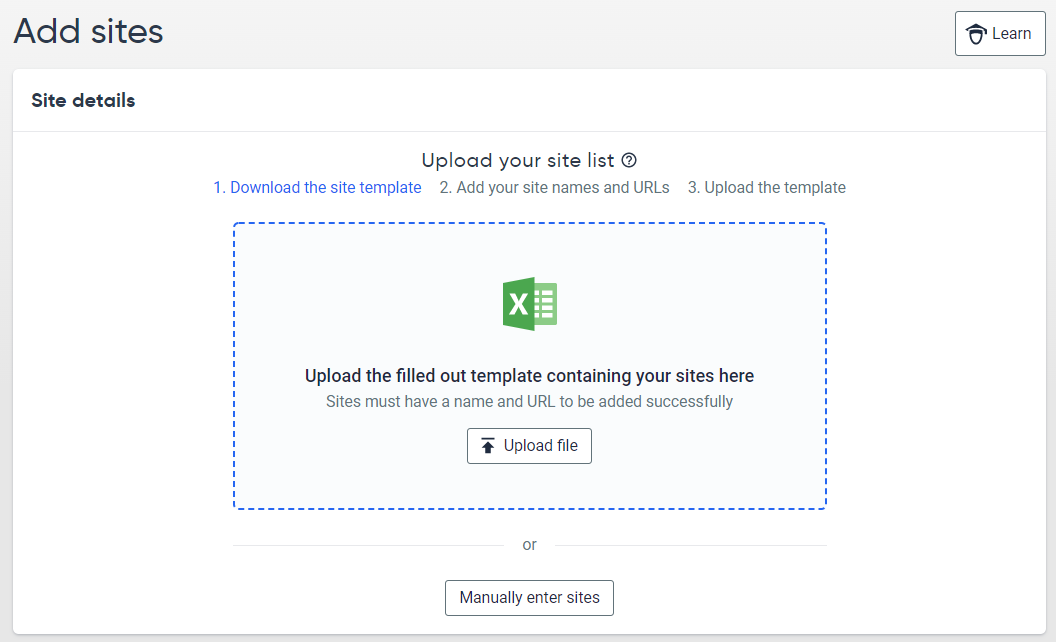
- Click on “Check Site”.
Once you have added your site details we will check your site URLs and show the outcome of this check in a site list. Sites that we cannot access will be shown with an error message and next steps. For example, if a site to be added gives a moved permanently error, we will recommend that you add the URL you are redirected to.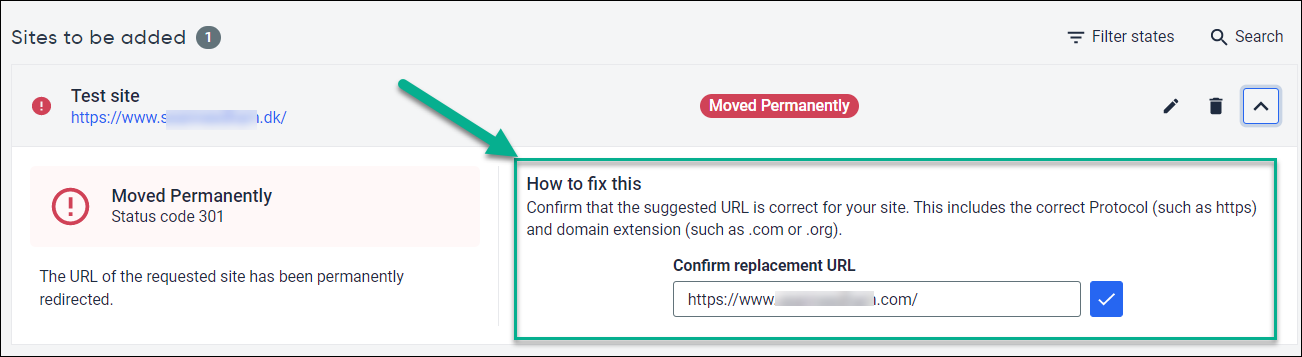
Sites that have had a successful URL check can be submitted for scanning.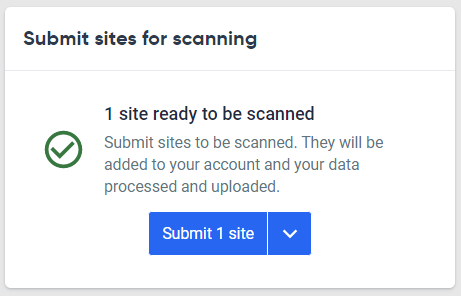
Options such as assigning users, creating groups can be configured after the site has been created and reviewed.
Troubleshooting and edge cases
I’m not an Account Owner, how do I find out who is?
If you are an Administrator you can find the Account owner under Settings > Manager Users.
Here you can filter by role using the options above the table to find the Account owner.
If you are not an Administrator please reach out to our technical support team.
Siteimprove says I can’t add this site, what do I do?
In some cases, you may get a "verification error" or "site already exists" message when trying to add a site. In these cases please verify that the URL you are adding is valid and try again. If you still get the error, you can still use the "Submit" button to have the site added which will then attempt an initial crawl and send the results to our technical support team.
Additional resources
- Adding a Site (Tips & Tricks)
- Why can't I add a site to my Siteimprove subscription?
- How do I edit the URL for a site being checked by Siteimprove?
Did you find it helpful? Yes No
Send feedback